← Back to all videos
I Gave AI Full Access to My Project Board
Hypertask Marketing · HVID-13
Thumbnails
Title Options
- I Gave AI Full Access to My Project Board (TOP PICK)
- I Replaced My Project Manager With AI
- This AI Doesn't Chat — It Works
- AI Just Took Over My Project Board (and it's incredible)
Thumbnail Concepts
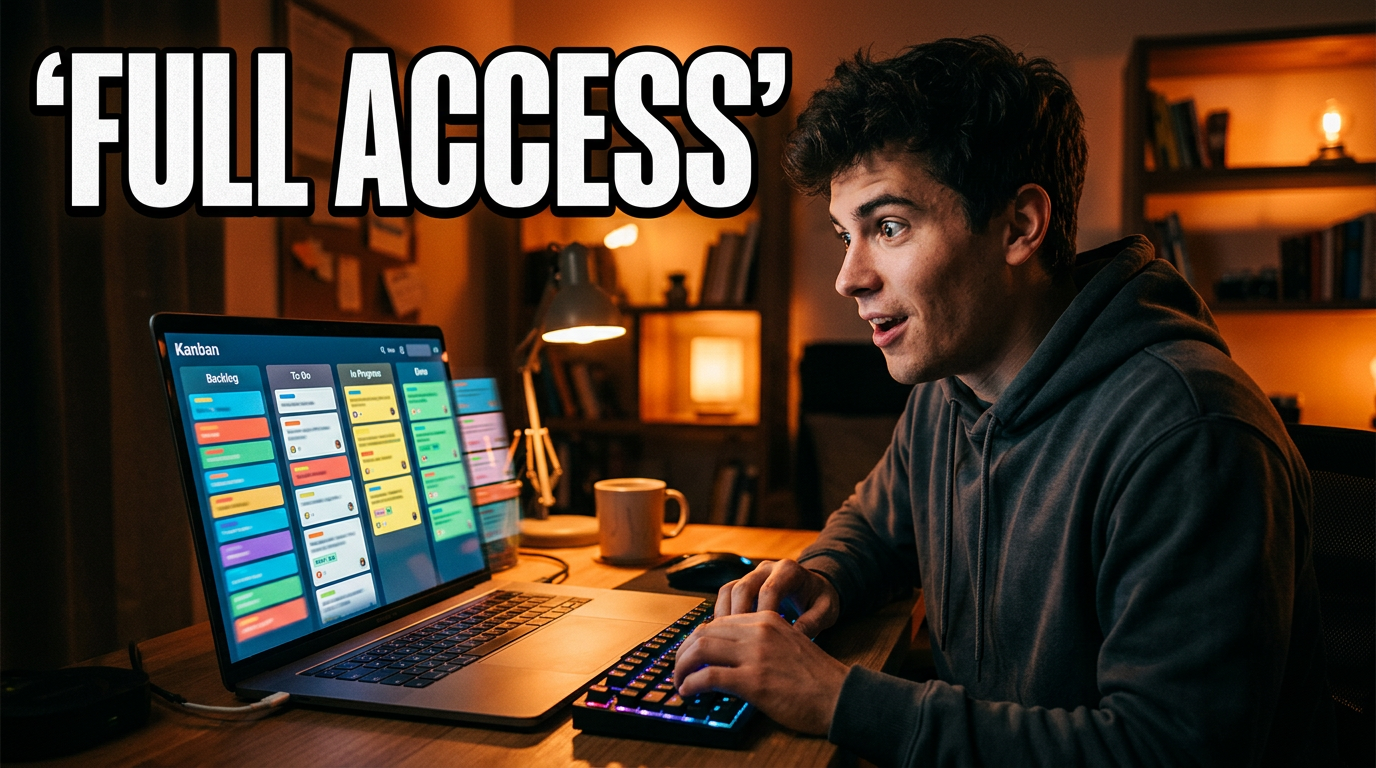
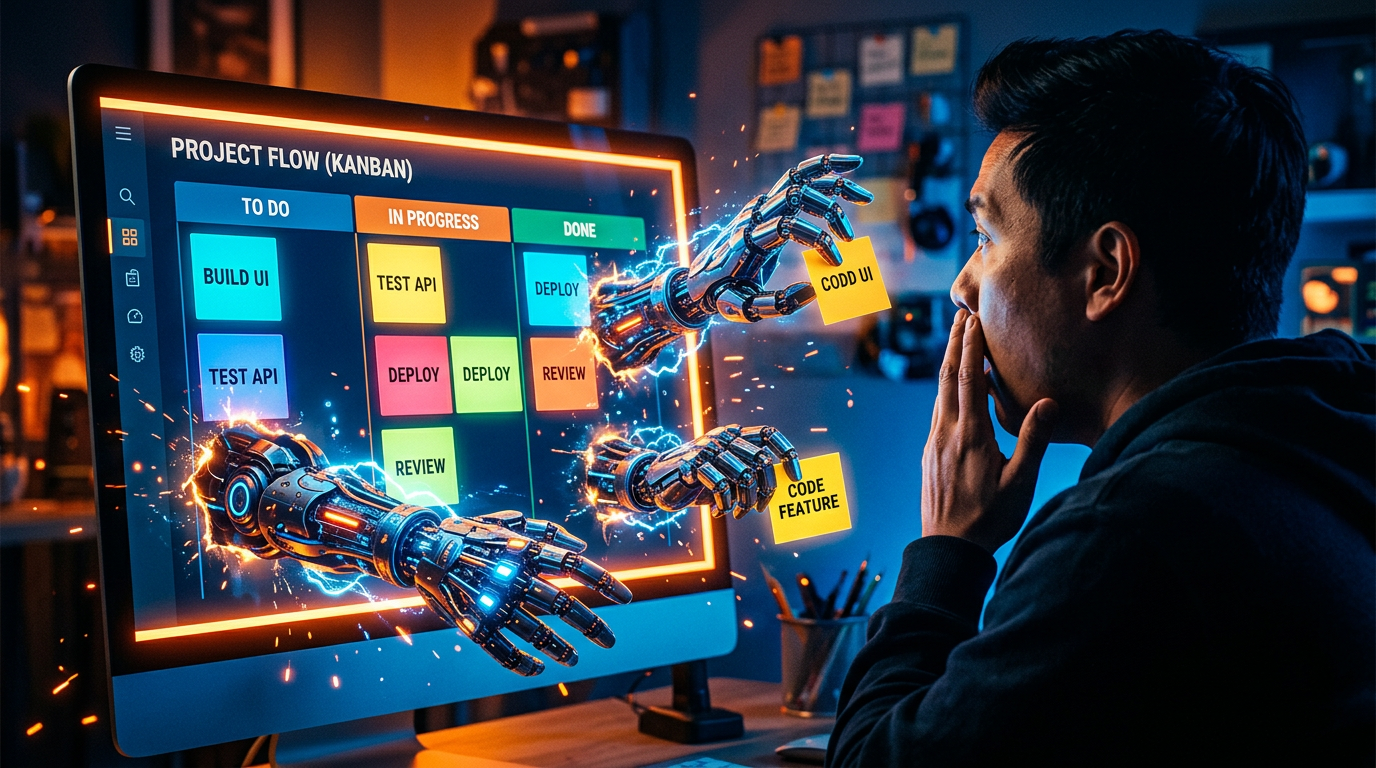
A — Primary
You looking at laptop with wide eyes, mix of excitement and nervousness. Kanban board with cards visibly moving. Text: "full access". Warm orange/amber palette.
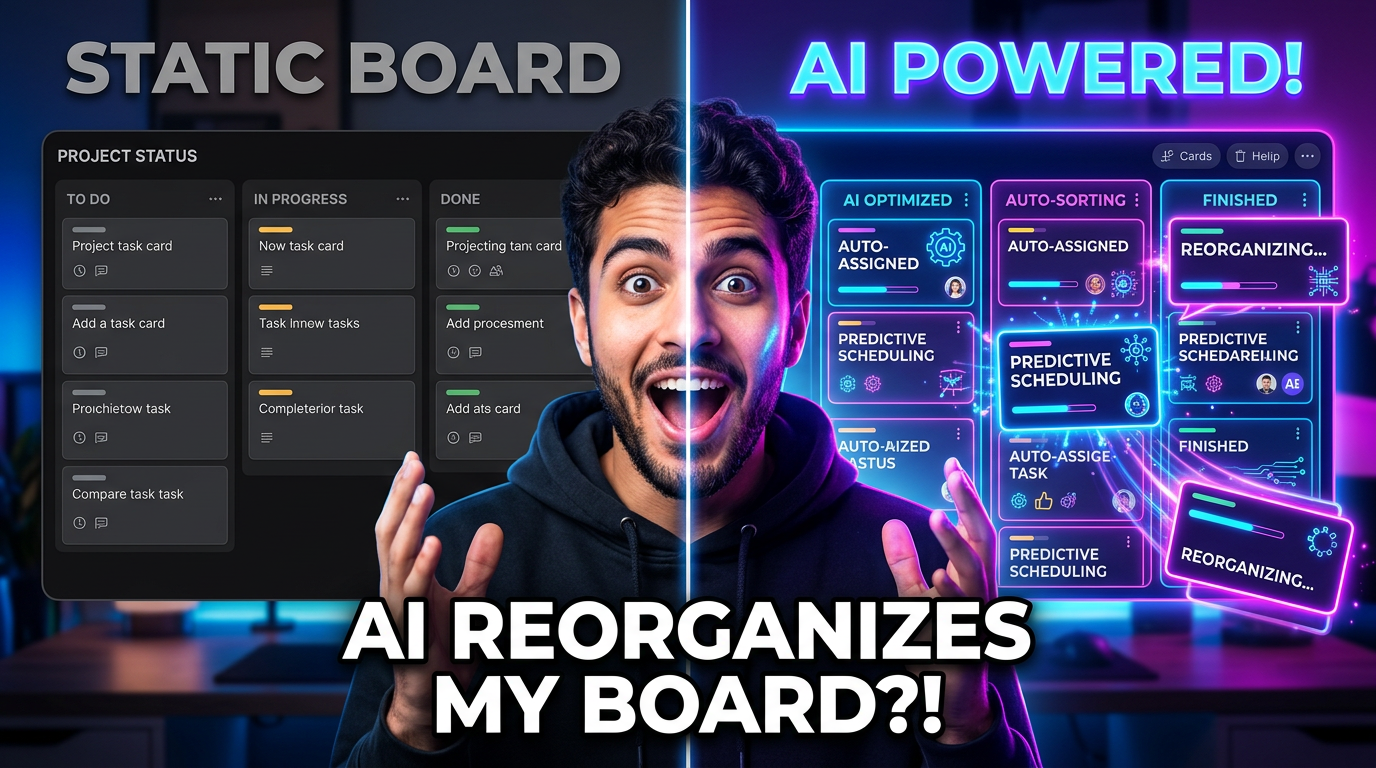
B — Alternative
Split: normal board (muted) vs AI-animated board (glowing). Your face showing amazement. Cool blue/purple palette.
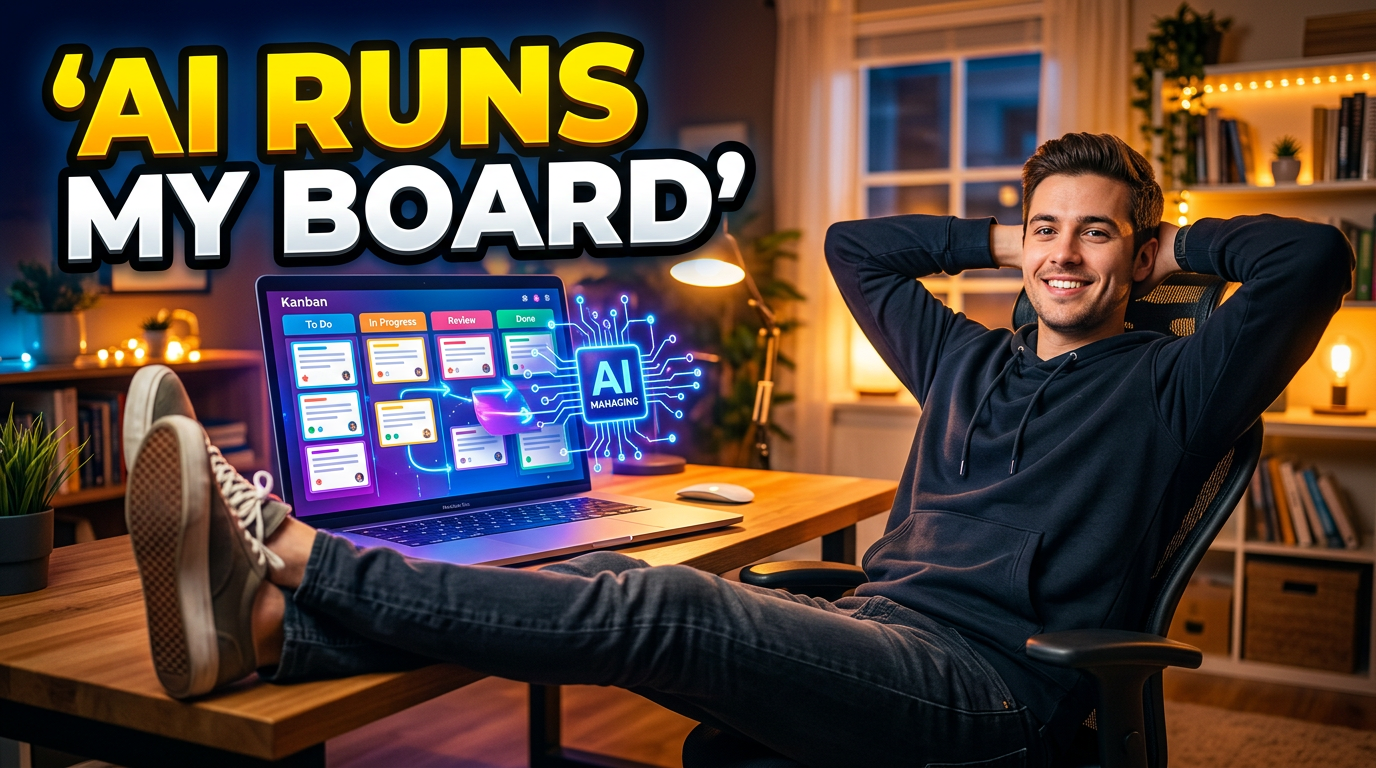
C — Bold Claim
You sitting back relaxed, feet up, laptop showing active board. Warm casual palette.
Tags
AI
Project Management
Hypertask
Claude
Video Overview
- Format: Experiment / story-driven demo
- Target length: ~7:45
- Tone: Excited founder, slight "is this a good idea?" tension
- Audience: PMs, developers, startup founders, productivity nerds
- Story arc: Skeptical → Give AI access → Increasingly impressive results → Genuine amazement → Honest reflection
Script
COLD OPEN (0:00–0:30)
[SCREEN RECORDING: AI autonomously moving tickets across Kanban board]
"So this AI just reorganized my entire sprint board, moved three tickets to done, flagged a blocker, and assigned a task to my developer — and I didn't touch a single thing."
[CUT TO FACE CAM — genuine disbelief]
"Let me show you how we got here."
SETUP (0:30–1:15)
"I'm Valentin, I built Hypertask — it's a project management tool. And my team just shipped something I wasn't sure was a good idea."
[SHOW the real board — tasks, names, due dates. Make it feel REAL.]
"They gave our AI chat the ability to actually DO things on the board. Not just answer questions — actually create tasks, move tickets, manage my inbox. Full access."
[Beat. Look at camera.]
"So I'm going to use it for a real work session and see what happens."
PHASE 1 — Basic Commands (1:15–2:30)
"Let's start simple."
[SCREEN: Type into AI chat: "Create a task for updating the landing page copy, high priority, due Friday"]
[AI creates it. Show it appear on the board.]
"Okay... that's nice. But honestly, I could do that in like 5 seconds myself."
[SCREEN: "Add chat history to this conversation"]
[AI responds with context from previous chats]
"Wait — it remembers our previous conversations now? That's actually... okay, that's useful."
[Quick cuts of 2-3 more basic commands, building rhythm.]
DOPAMINE POCKET 1 (2:30–3:00)
"Now, I've been burned by AI tools before."
[QUICK MONTAGE: Screenshots of other AI PM tools giving generic/useless responses. Upbeat music, maybe memes.]
"So I decided to push it harder."
PHASE 2 — Advanced (3:00–4:30)
"Move ticket HTPR-3412 from Review to Done on the Product board."
[Show it happen in real-time. Eyebrows go up.]
"Check my inbox and archive anything that's resolved."
[AI processes inbox, archives items, shows summary]
"Okay that just saved me like 15 minutes of inbox grooming."
[Building excitement]
"Edit your last comment — you made a typo."
[AI edits its own comment]
"It can fix its own mistakes. Most humans on my team can't even do that." [Smile]
DOPAMINE POCKET 2 (4:30–5:00)
[Show teammate on call or Slack]
"Yo, watch this."
[Quick demo, capture their reaction]
PHASE 3 — The MCP Reveal (5:00–6:30)
"But here's the thing nobody's talking about yet."
[Pause. Lean in.]
"What if you never had to leave your code editor?"
[SHOW: VS Code/Cursor. Click one-click MCP connect button.]
"One click. Claude is now connected to my project board."
[IN TERMINAL: Create task, set due date, assign teammate, move ticket]
"I just managed my entire sprint without opening a single browser tab."
[Split screen: IDE left, board updating right]
"This is what I've wanted for years."
REFLECTION (6:30–7:15)
"So after a full day of letting AI run my board..."
[SHOW: Board state. Real numbers.]
"Honestly? It's not perfect. [Name one real limitation]. But for the 80% of PM that's just moving things around and keeping track? This is a game-changer."
CLOSE (7:15–7:45)
"If you want to try this, Hypertask has a free tier — link below. The MCP integration works with Claude, Cursor, VS Code, all of them."
"I'm going to keep pushing this. But right now? I'm genuinely impressed with what my team built."
[End on face. Genuine smile. Cut.]
Shot List
| # | Type | Description | Notes |
|---|
| 1 | Screen recording | AI moving tickets autonomously | Cold open payoff |
| 2 | Face cam (medium) | Talking head at desk | Well-lit, good mic |
| 3 | Screen recording | Real Hypertask board | Show real tasks for authenticity |
| 4 | Screen + face PIP | AI chat commands + reaction | Picture-in-picture |
| 5 | B-roll montage | Failed AI tool screenshots | Comedy/relatability |
| 6 | Split screen | IDE left + board right | MCP reveal section |
| 7 | Close-up B-roll | Hands typing in IDE | Cinematic detail shot |
| 8 | Screen recording | One-click MCP connect | Satisfying moment |
| 9 | Face cam (close) | Genuine reaction moments | Key emotional beats |
| 10 | Screen recording | Board state "after" | Results/evidence |
Editing Notes
Pacing
- Cut every 3-5 seconds during screen recordings
- Never show loading spinners in real-time — jump cut to result
- Speed up any typing/waiting by 2-4x
Energy Variation
- Phases 1-2: Upbeat, quick cuts, light background music
- MCP reveal: Music drops out for "But here's the thing..." then builds epic
- Reflection: Mellow, honest, music fades low
Sound Design
- Subtle "whoosh"/"pop" when tasks appear on board
- Mechanical keyboard typing sounds during IDE sections
- Riser before each phase transition
- 2-3 different background tracks matching energy shifts
Features Showcased
- HTPR-3543: AI Chat → Agentic system (core concept)
- HTPR-3412: Create task from AI chat responses
- HTPR-3446: AI chat history
- HTPR-3644: AI can edit/delete its own comments
- HTPR-3590: Move tickets between boards via AI
- HTPR-3625: MCP inbox support
- HTPR-3646: MCP due date support
- HTPR-3546: One-click IDE connect buttons
Recording Checklist
- Set up face cam with good lighting before starting
- Screen record the REAL experiment first (all of it)
- Re-record talking head narration after, knowing the story
- Use your real project board with real tasks (no demo data)
- Capture at least one teammate/friend reaction
- Record 2-3 versions of the cold open