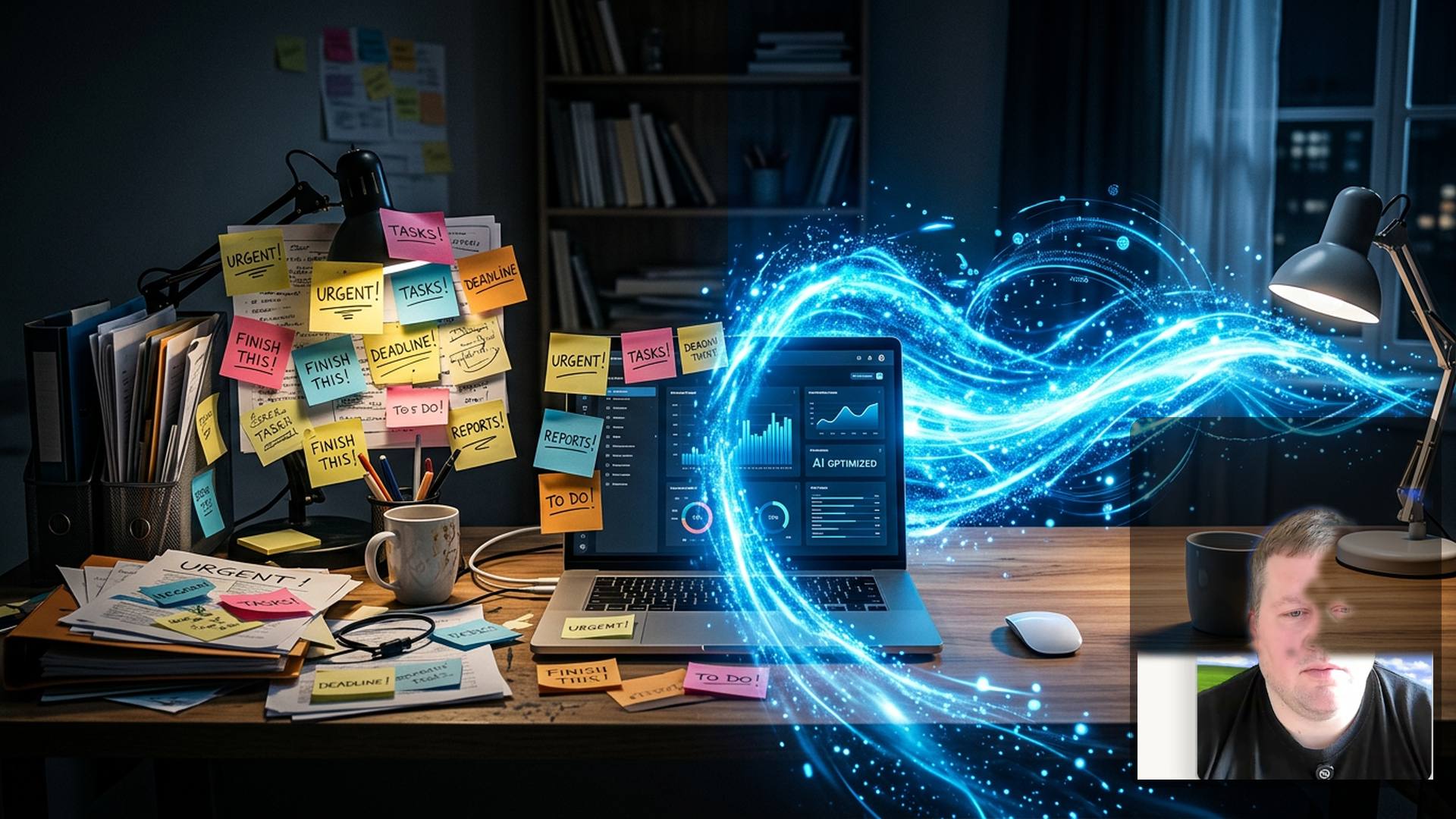
I Let AI Manage My Entire Project Board (TOP PICK)
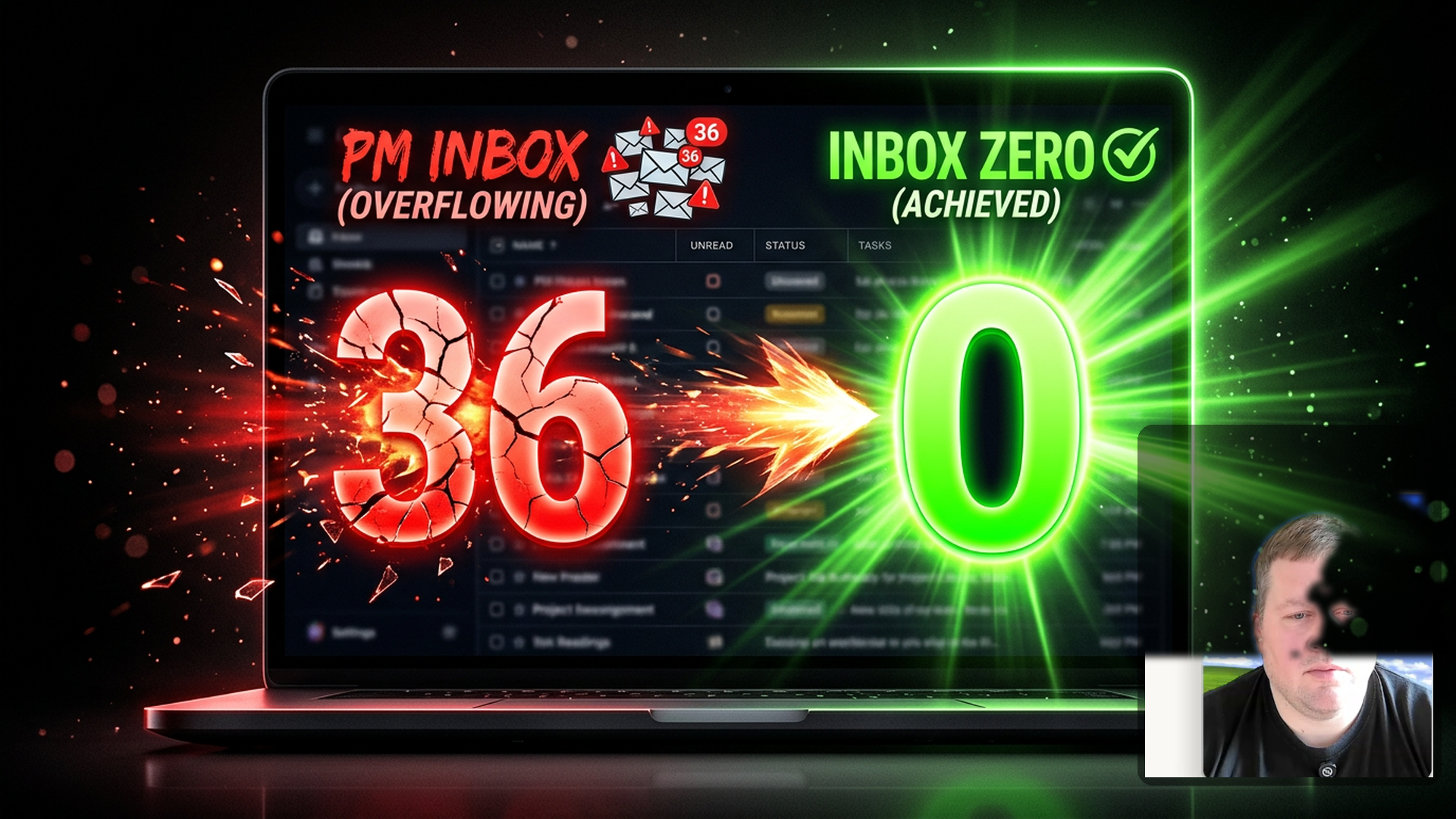
Claude Just Cleaned My Entire Inbox (in 30 seconds)
AI Triaged My Project Board While I Watched
This AI Cleans Your Project Board For You
I Connected AI to My Project Board — Here's What Happened
Thumbnail Concepts
A — Primary
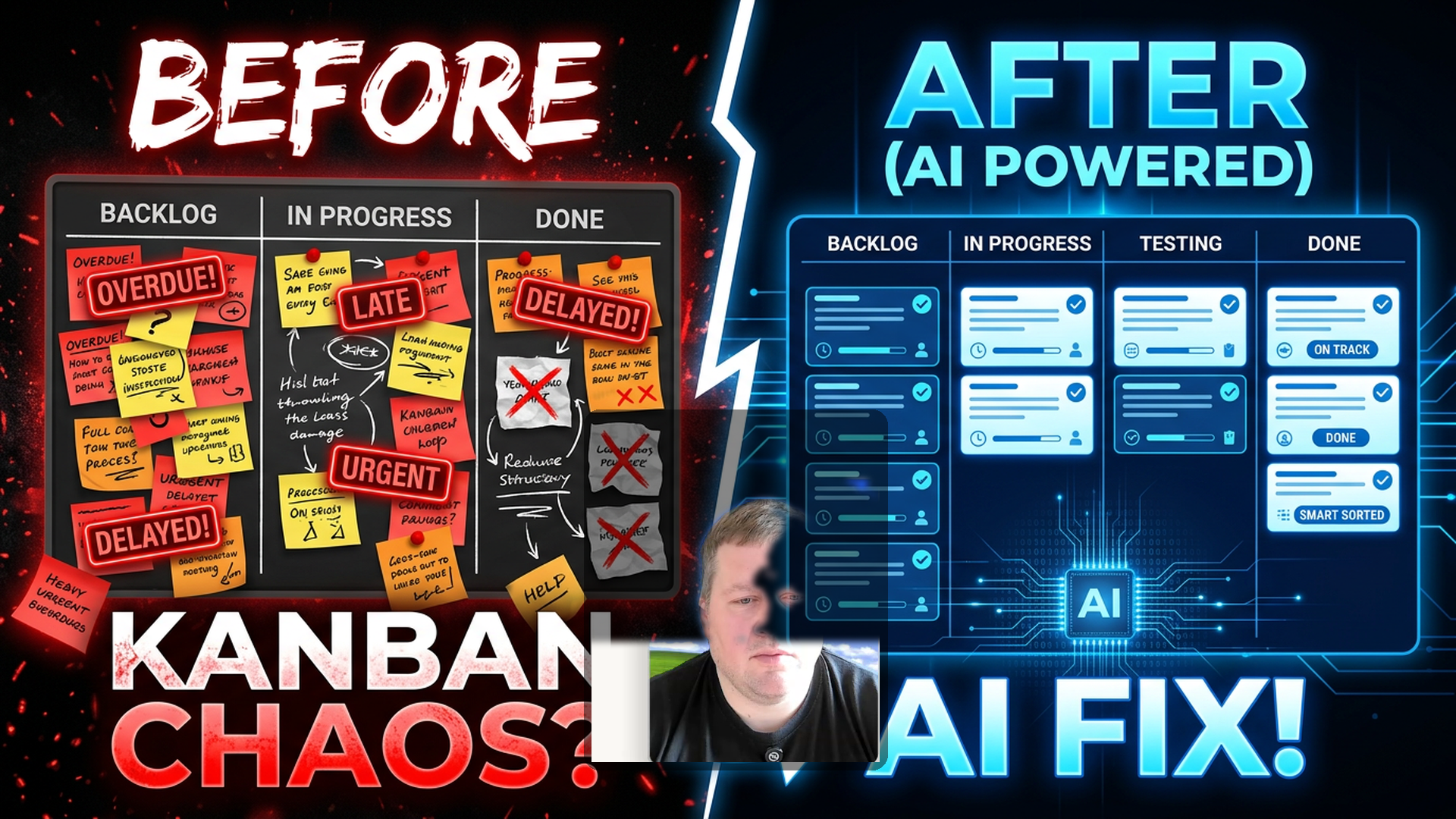
Split-screen Kanban board — left side messy with red overdue badges, right side clean with blue AI glow. Face in center with raised eyebrows. Before/after contrast instantly graspable.
B — Over-the-shoulder
Laptop showing board with cards moving by themselves. Hands OFF the keyboard. Warm amber lighting.
C — Robot hands
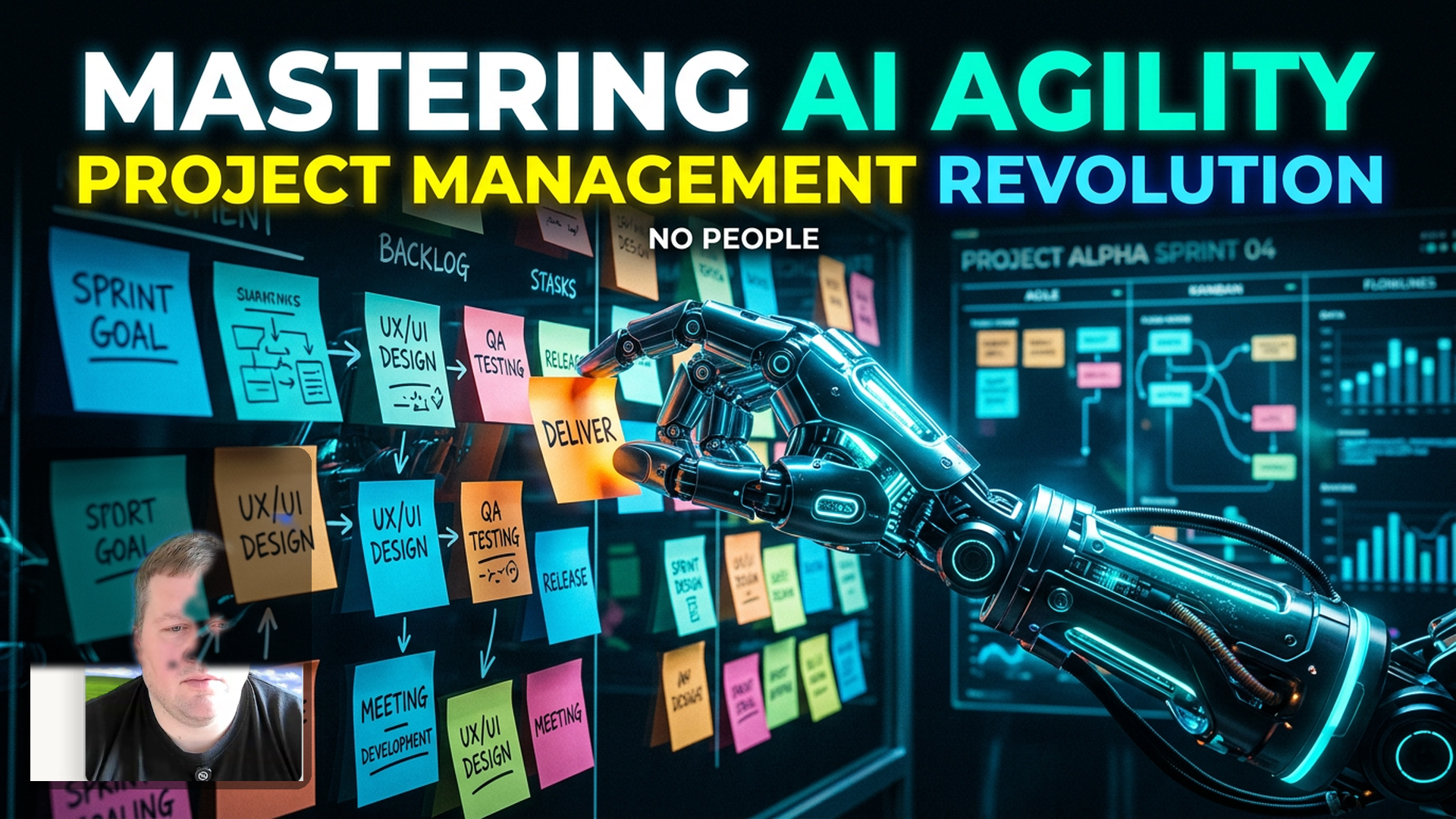
Robot hand organizing sticky notes on glass whiteboard. Cool blue/teal palette.
"In this video, I'm going to show you how to connect HyperTask to Claude Web or Claude Desktop. So you can do things like this — asking Claude Web what's currently in your HyperTask inbox, or reorganize complete boards via the AI chat."
SETUP: MCP Settings (0:16–0:40)
[SCREEN: HyperTask → Cmd-K → type "MCP"]
"In HyperTask, you can get your MCP settings by going to Command-K and simply typing in MCP. From here, you get the MCP server data. Just copy the MCP URL — mcp.hypertask.ai/mcp."
SETUP: Claude Connector (0:40–1:06)
[SCREEN: Claude → Settings → Connectors → Add]
"Back in Claude, go to Settings, Connectors, and add HyperTask as a connector. Give it a name like 'HyperTask MCP', copy in the URL, and add it."
SETUP: Authorization (1:06–1:38)
[SCREEN: Auth page → Activation → Configure]
"You'll be forwarded to an authorization page hosted on HyperTask — just authorize it. It shows up as activated. Under Configure, set it to Always Allow for this demo."
DEMO 1: Inbox Triage (1:38–3:42)
[SCREEN: New chat in Claude]
"Can you see my inbox in HyperTask?"
[AI fetches user context + inbox items]
"Please help me triage the inbox and let me know which elements can be removed without missing anything important."
[AI returns recommendations]
"I'm happy to let the AI archive these. Please go ahead and archive the unimportant items."
[Shows inbox count reduced]
"That was fairly easy. This task is not in the inbox anymore — so that worked really well."
DEMO 2: Board Triage (3:42–5:30)
"Another thing where AI is quite useful is triaging boards."
"Can you see the Echo Inno board? Please let me know which tasks are outdated."
[AI analyzes board]
"Please create a new column called 'backlog outdated' and move all stale tasks into it."
[Board reorganizes — column appears after toggling visibility]
"Can you please add a comment to every task, letting people know why it was moved to the stale column?"
REFLECTION (5:30–6:20)
"Triaging boards with AI isn't the fastest, but this will only get better. The way I think about it — just set off the task and let it run in the background. Claude sends you a notification when it's done."
RESULTS + CLOSE (6:20–7:02)
[SCREEN: Checking ticket comments]
"This task has been moved to backlog outdated. Due date was August 21st, 2025 — no further progress. Please review."
"It's commenting as myself, which is what I want. There's no limits to this."
Shot List
#
Timestamp
Type
Description
1
0:00–0:16
Screen + voiceover
Intro — what you'll learn
2
0:16–0:40
Screen recording
HyperTask Cmd-K → MCP settings
3
0:40–1:06
Screen recording
Claude Settings → Add connector
4
1:06–1:38
Screen recording
Authorization + config
5
1:38–3:42
Screen recording
Inbox triage demo
6
3:42–5:30
Screen recording
Board triage demo
7
5:30–6:20
Voiceover
Reflection
8
6:20–7:02
Screen recording
Results check + close
Editing Notes
Cuts Made
Removed 3 repeated takes of authorization explanation